

the best roi in your stem toolbox
One kit. No subscriptions. Low- to no-cost consumables. Thousands of hours of engagement.
Pennies on the dollar
the stem tool that pays for itself
Students invent using everyday materials – like discarded cardboard boxes, foil, playdough, and pencils – keeping your ongoing consumables budget virtually at zero.
reduce + reuse + reinvent
Turn Trash Into Technology
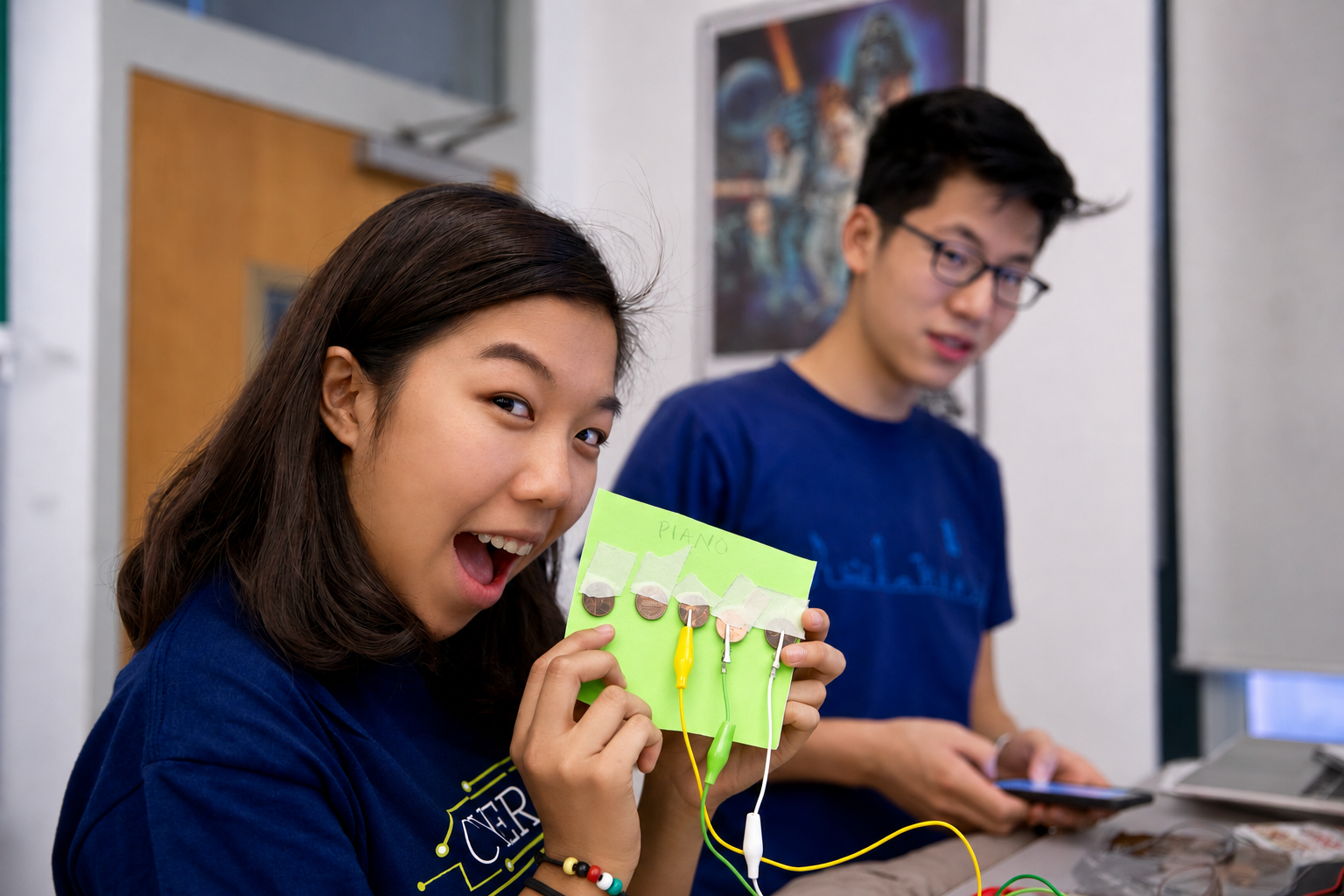
Makey Makey turns everyday classroom materials into functional technology.
- Cardboard → game controllers, interactive maps
- Fruits & vegetables → piano keys, sound triggers
- Pencil graphite → hand-drawn circuits
- Plants, water, people → conductive inputs
- Playdough or clay → squishy, tactile interfaces
- Foil & coins → touch sensors, pressure switches
"Makey Makey encourages students to look at discarded materials and ask: 'What could I make with this?'"
everyday objects. Extraordinary inventions.
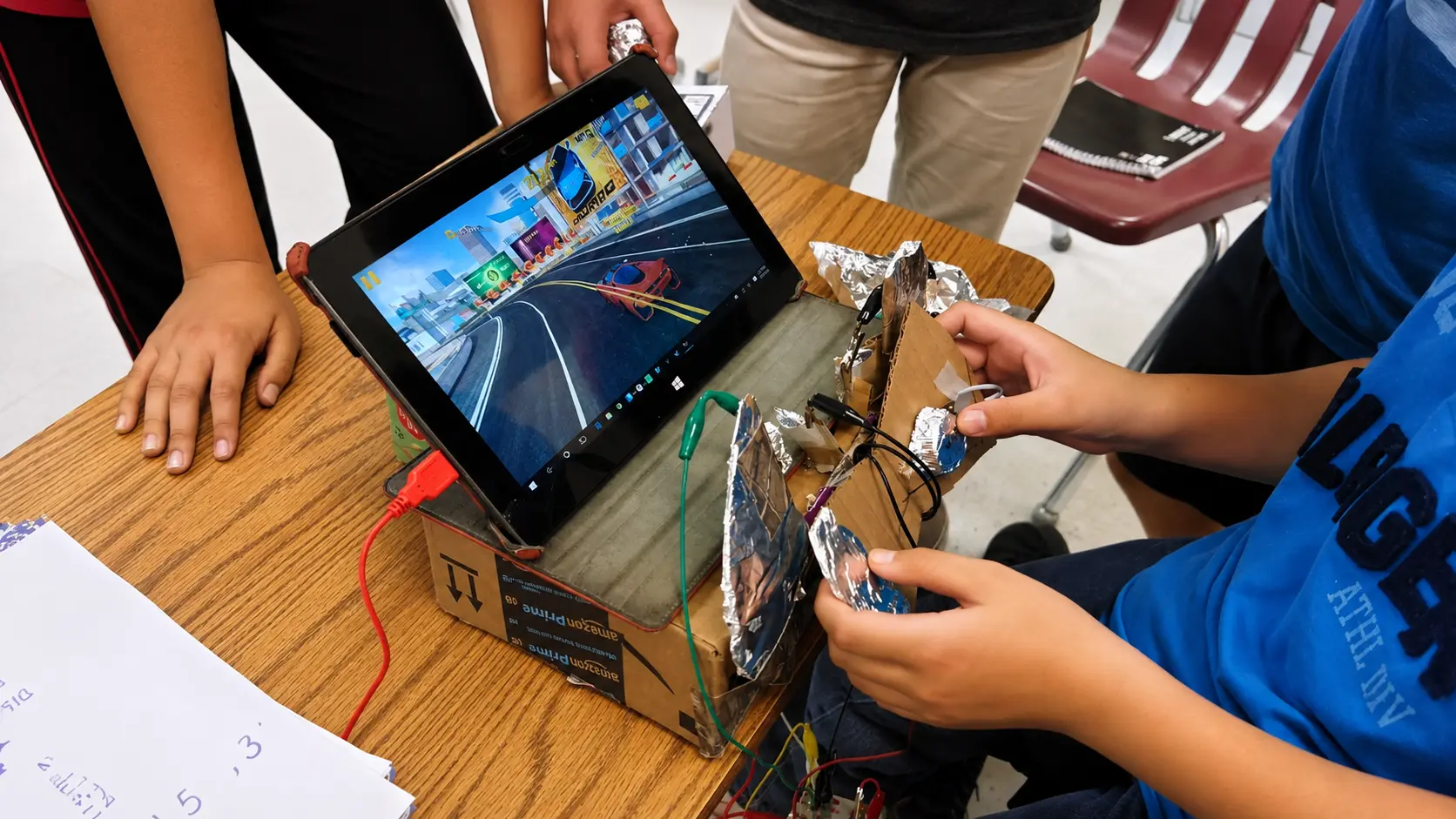
Cardboard Arcade Cabinet
Made from: cardboard box + foil
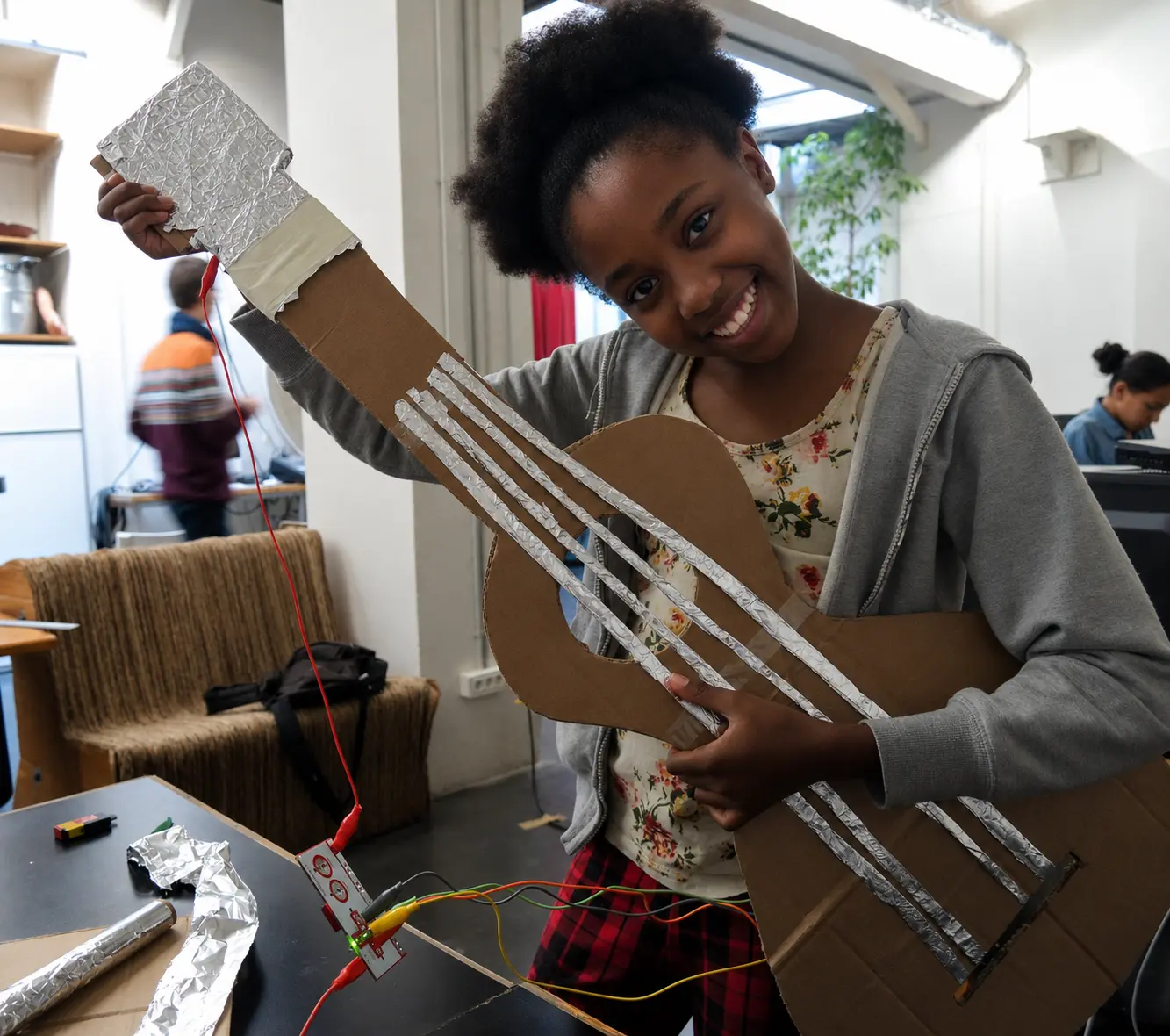
Cardboard Guitar
Made from: cardboard + foil strips
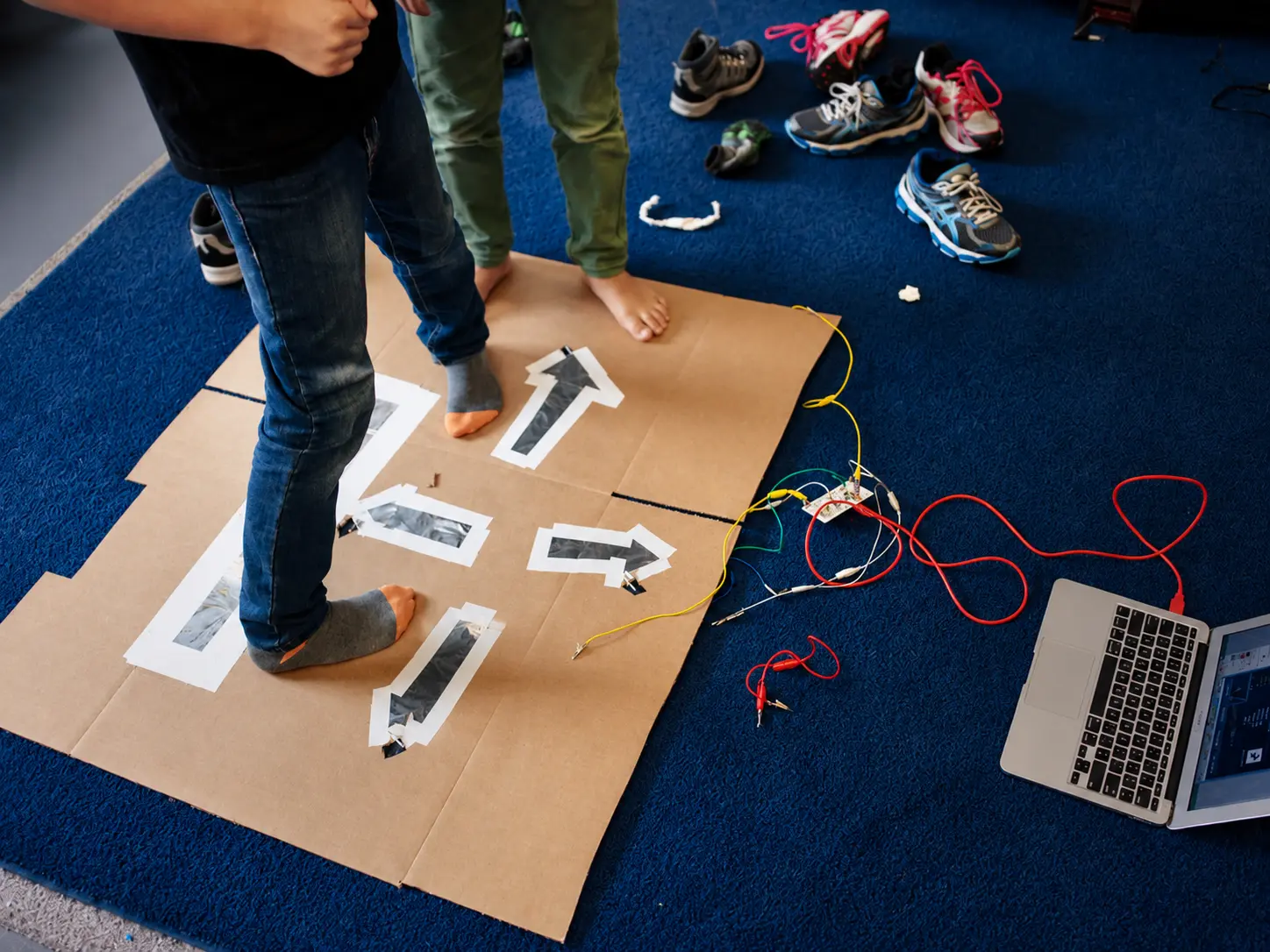
Foil Dance Pad
Made from: aluminum foil + cardboard
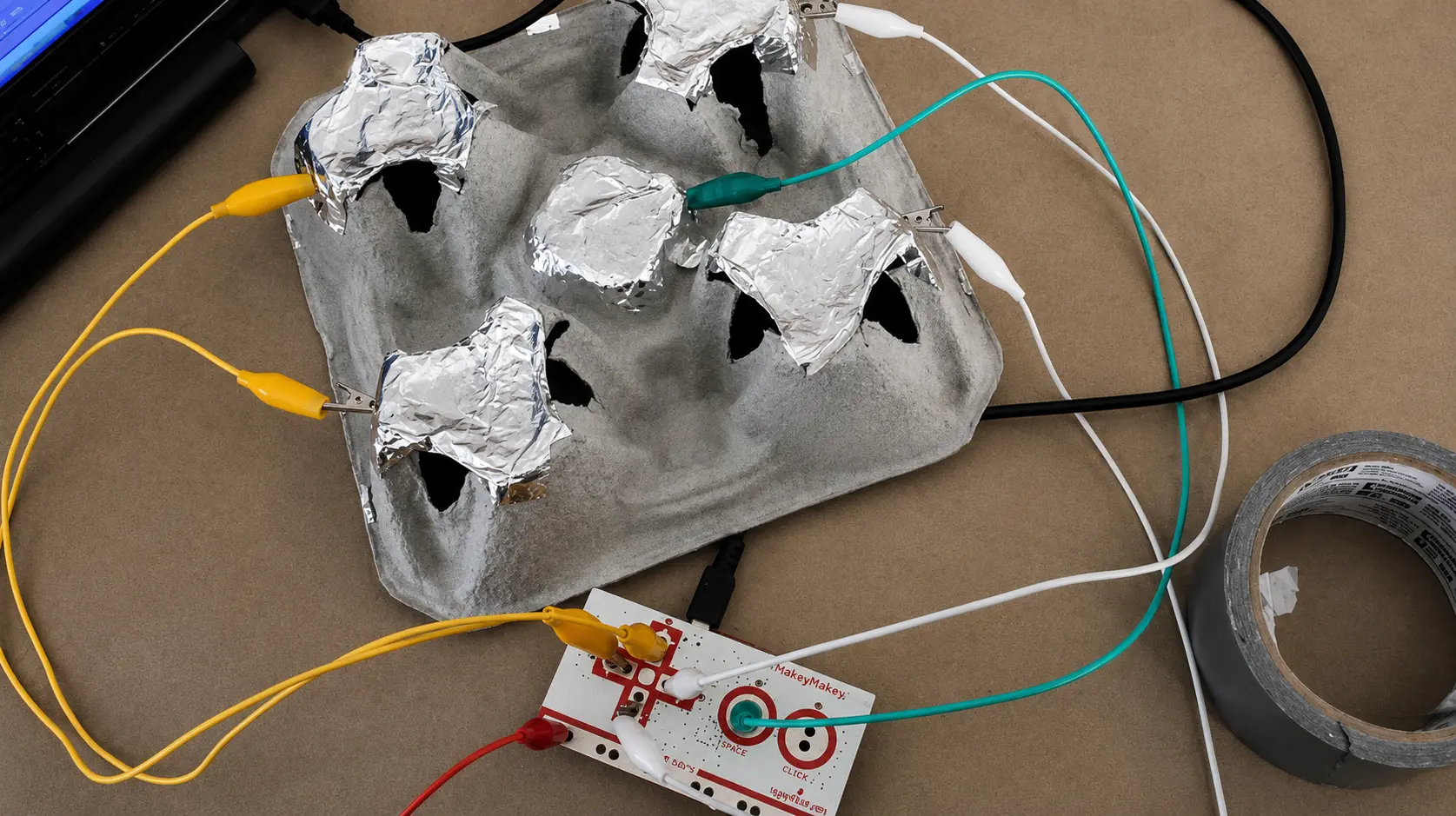
Egg-Carton Simon Says
Made from: egg carton + foil
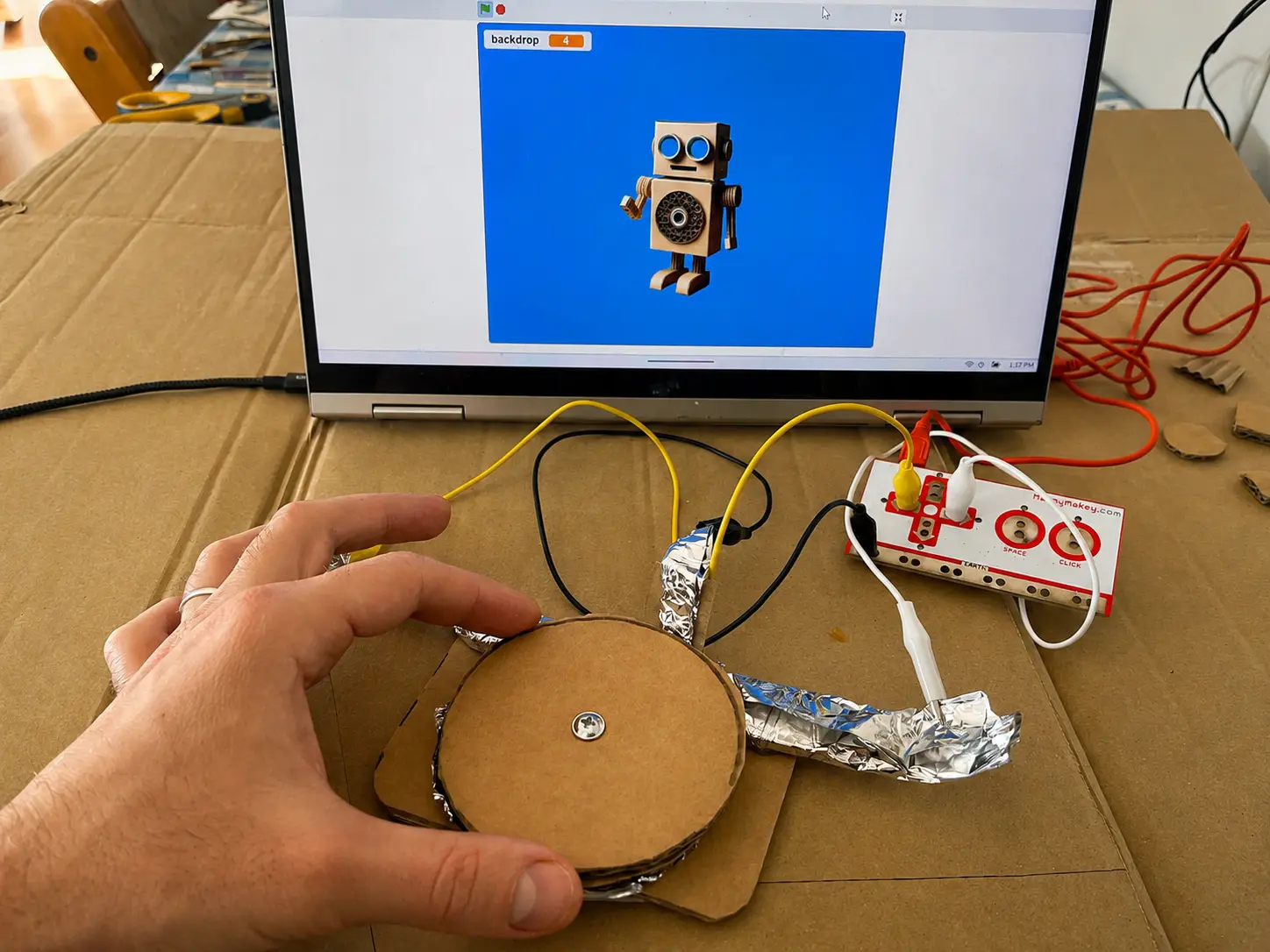
Cardboard Game Controller
Made from: scrap cardboard + foil
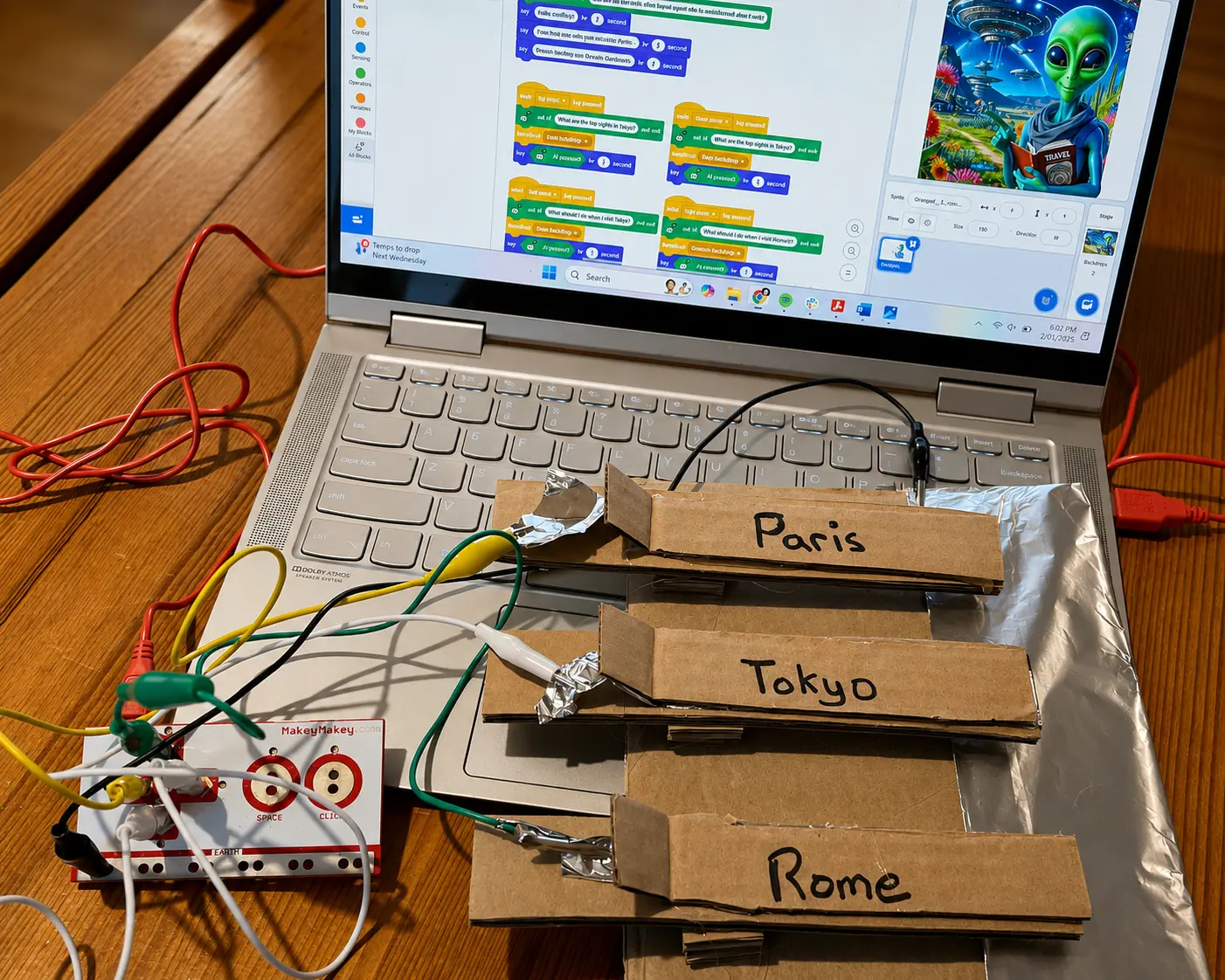
Travel Time Machine
Made from: cardboard strips + foil
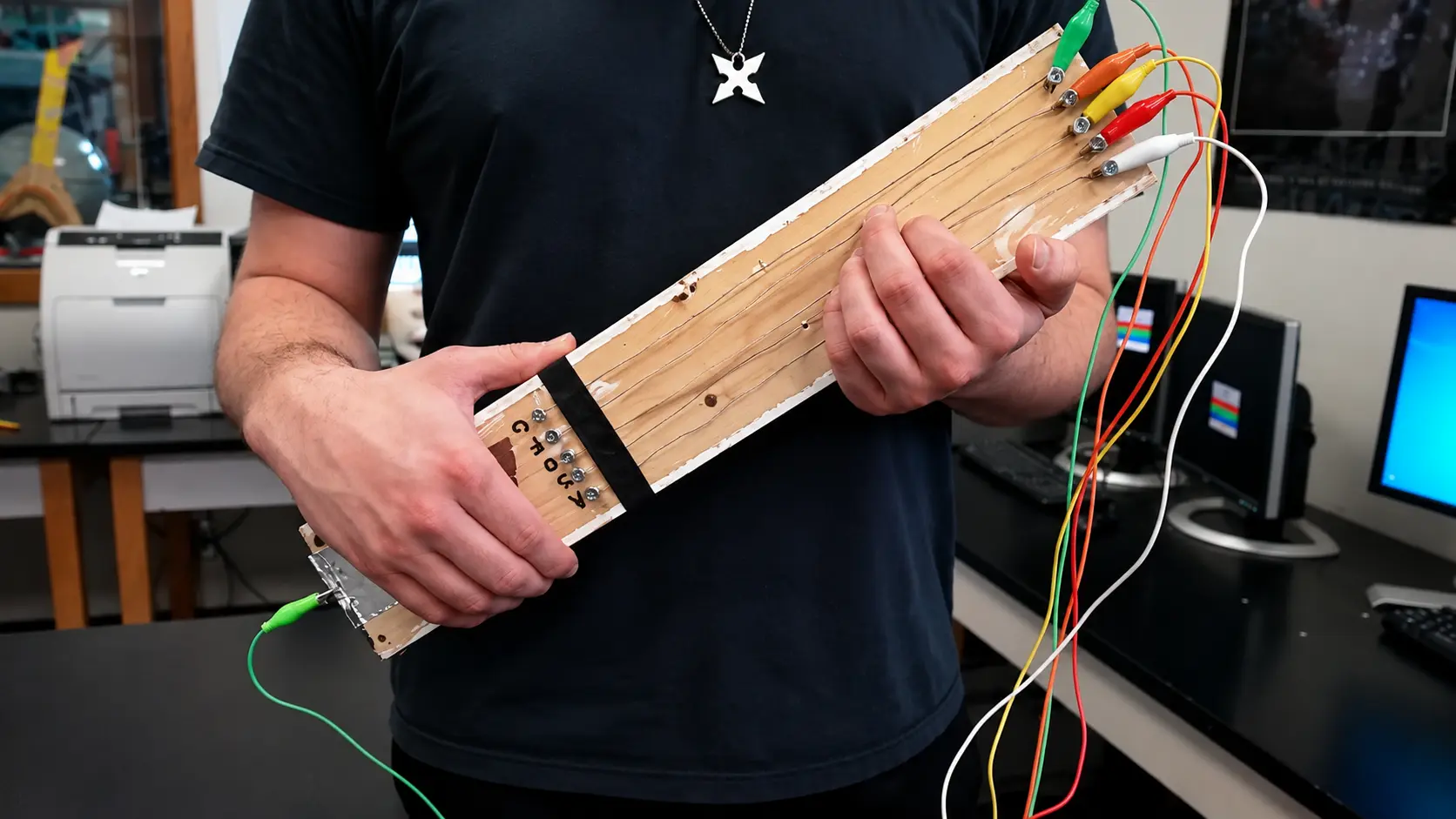
Scrap-Wood Air Guitar
Made from: scrap wood + screws
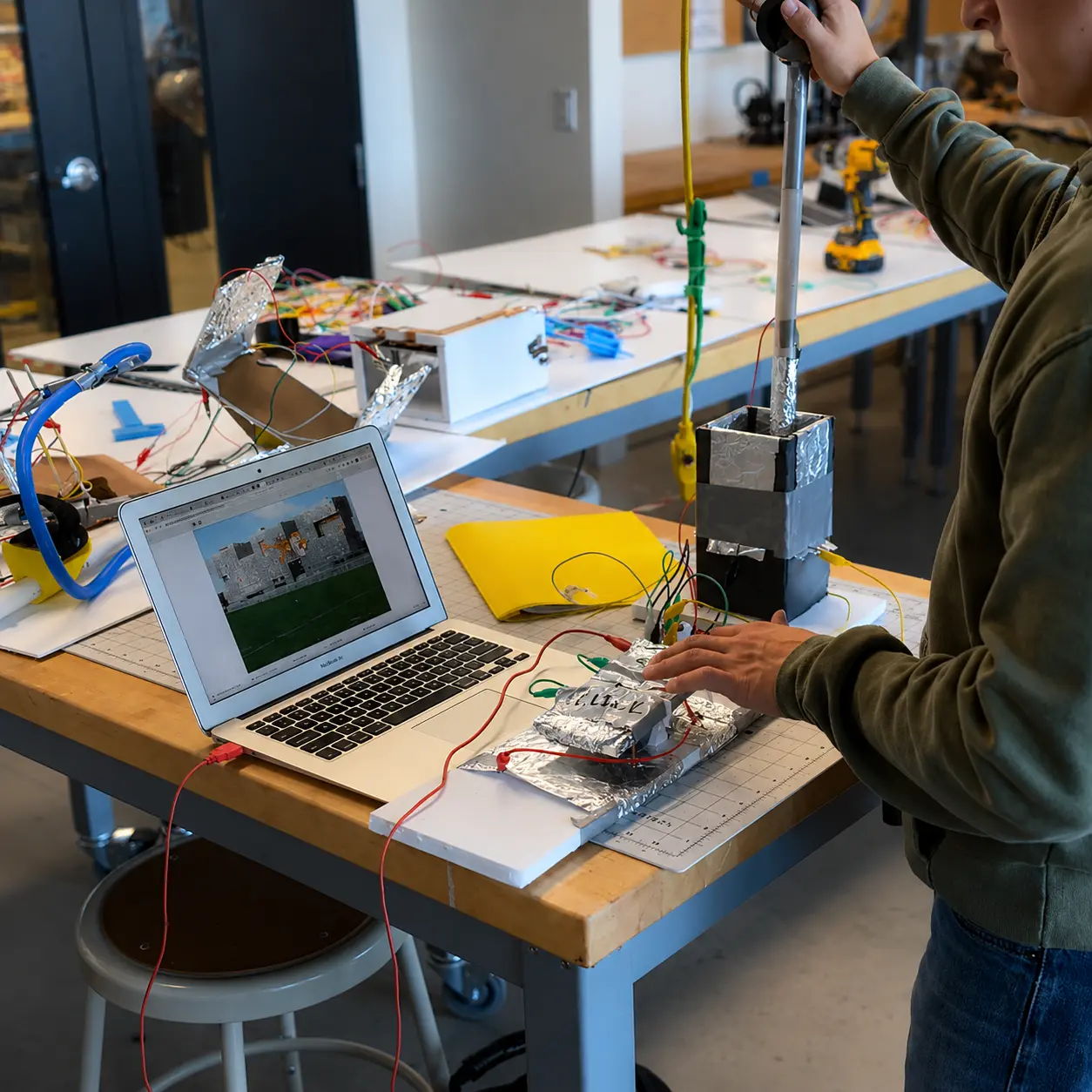
Adaptive Foil Controller
Made from: foil + tape + cardboard
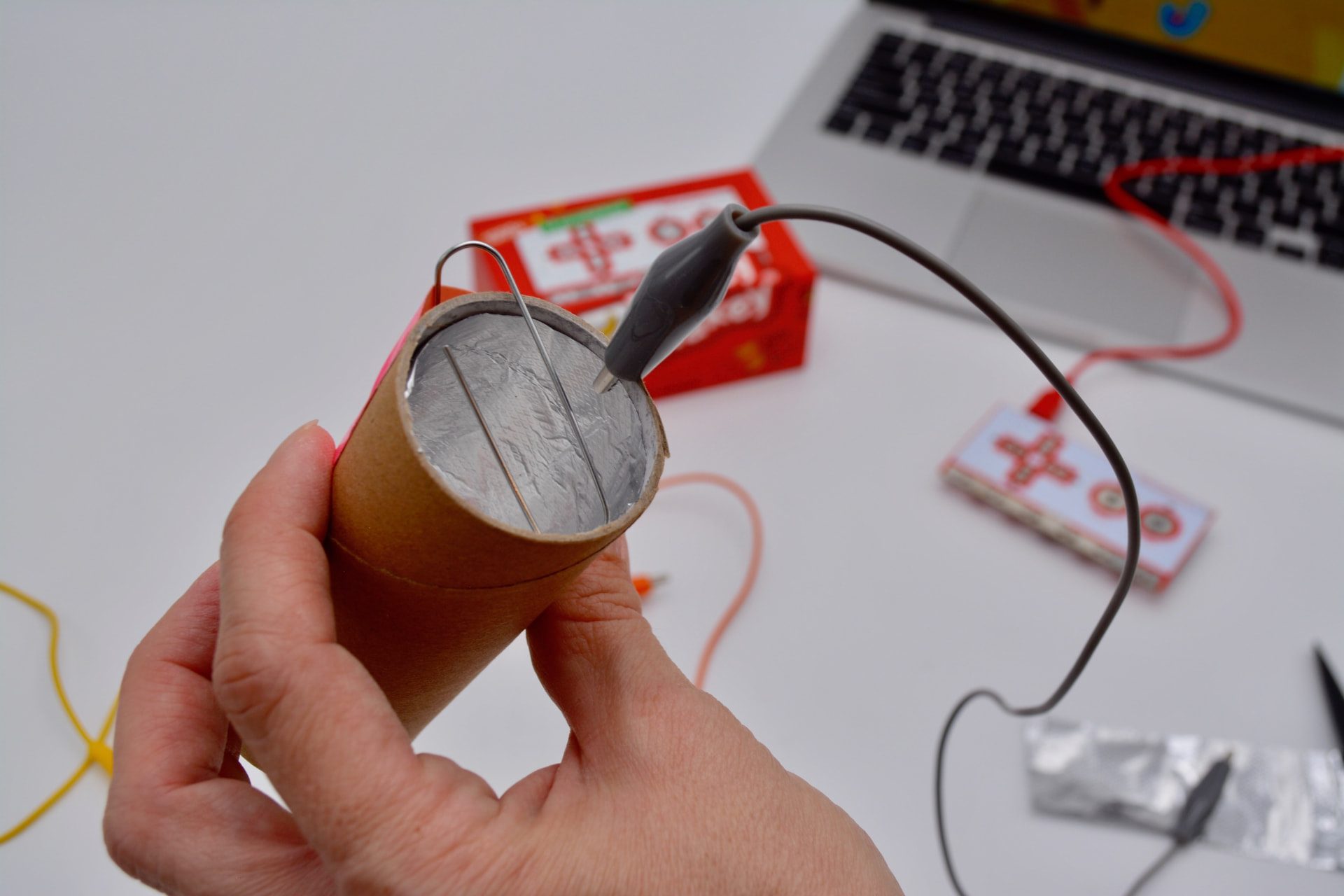
Roll Switch
Made from: cardboard tube + foil + paperclips
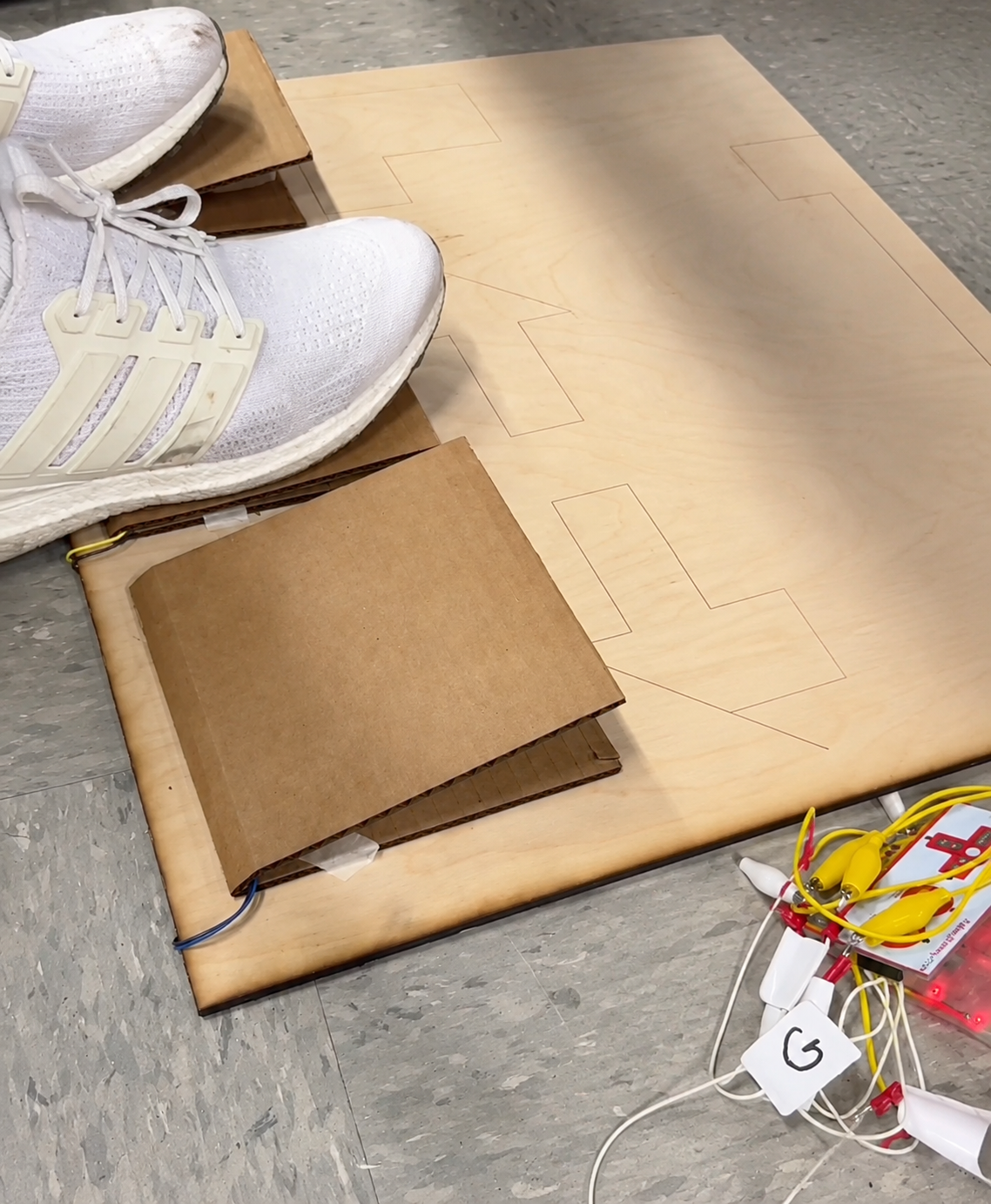
Foot Pedal Game Pads
Made from: plywood scrap + cardboard
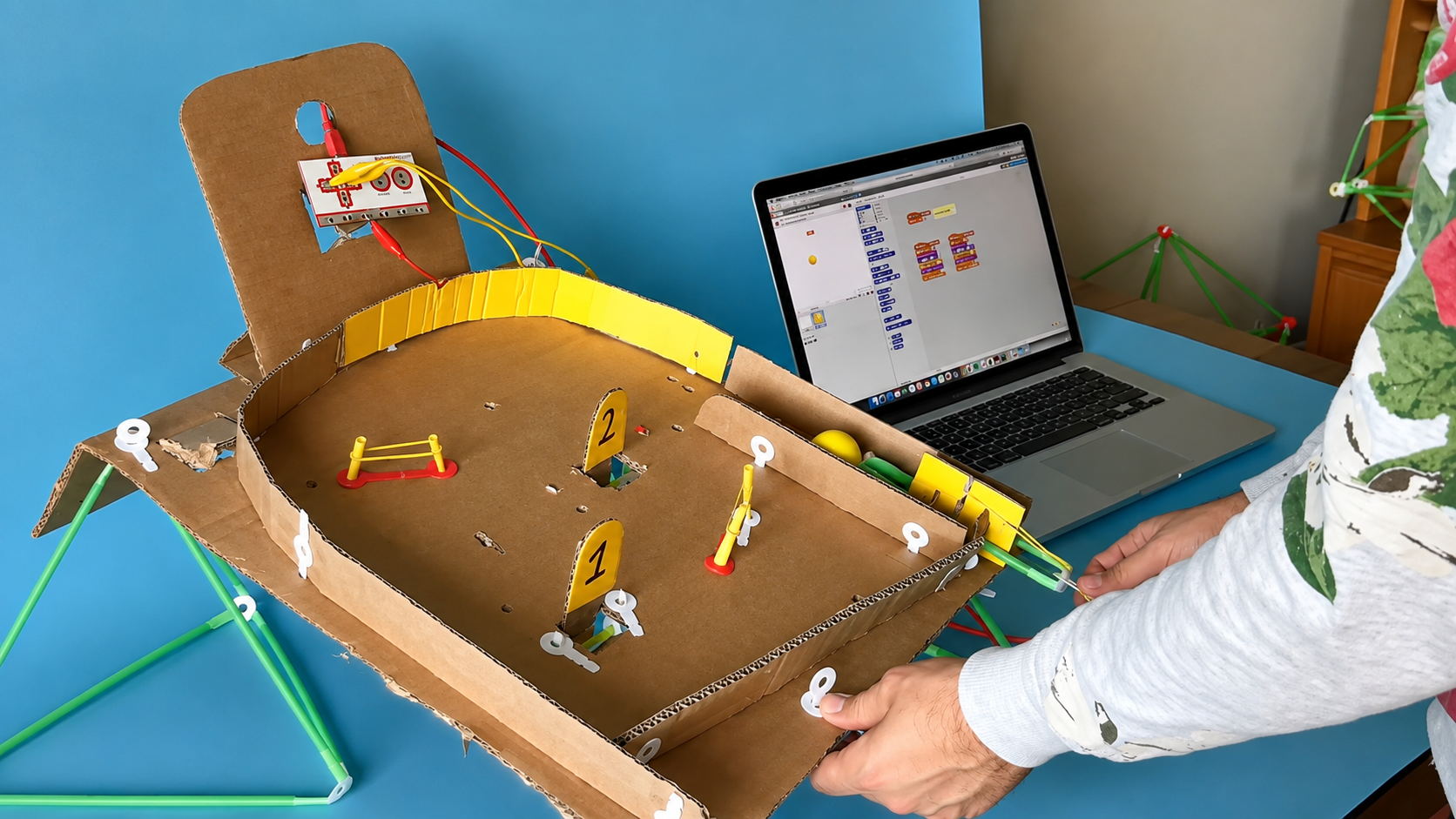
Cardboard Pinball Machine
Made from: cardboard box + straws
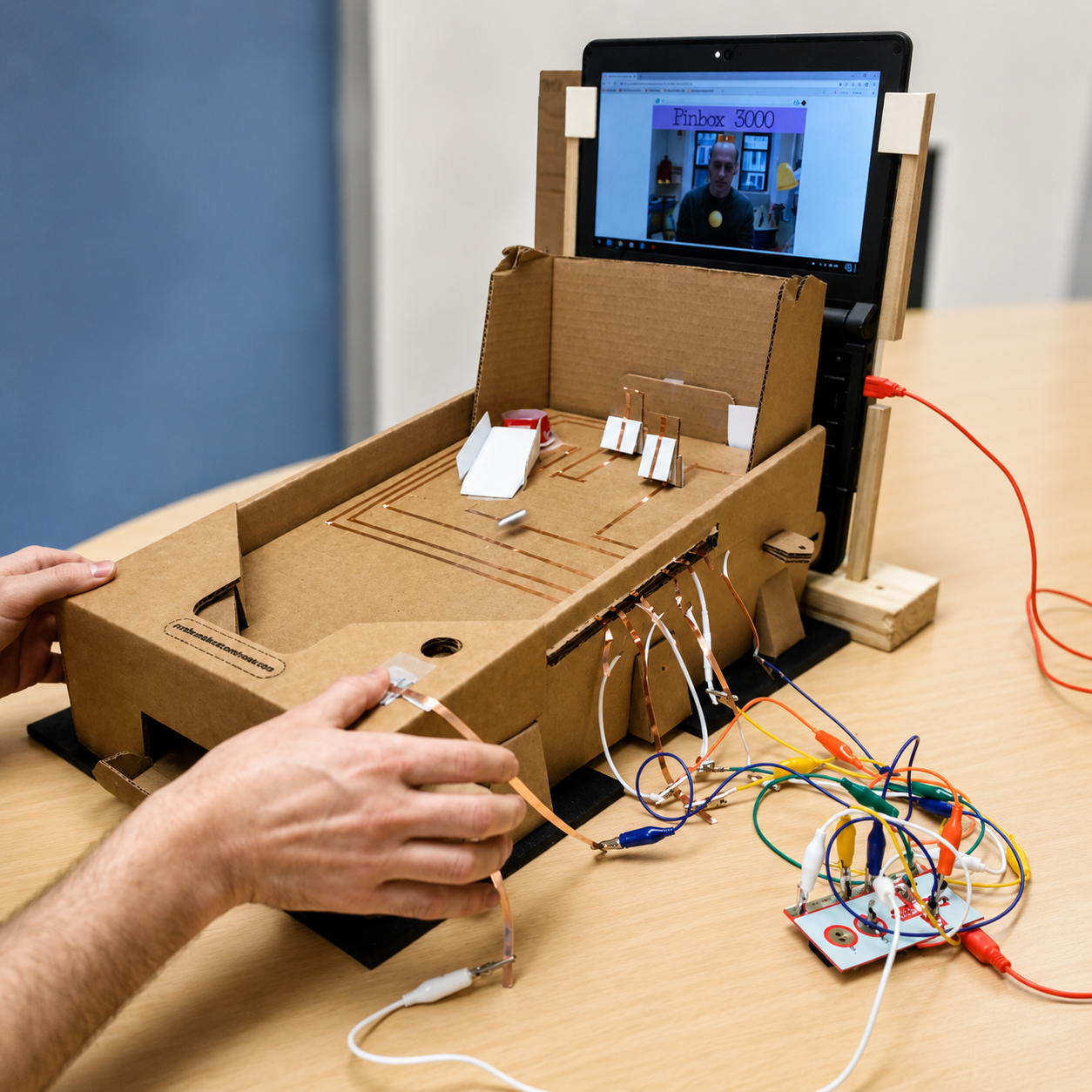
Copper-Tape Pinbox
Made from: cardboard + copper tape
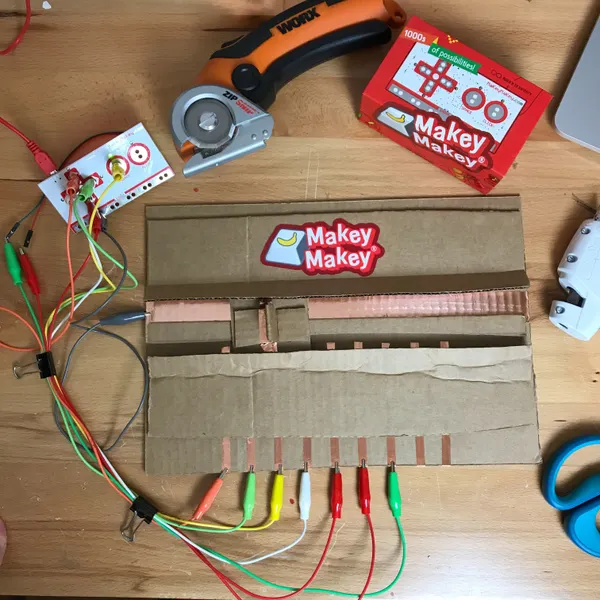
Cardboard Slider Switch
Made from: cardboard + foil + copper tape
EVERY DAY IS EARTH DAY
Teach STEM and Sustainability at the Same Time.
Sustainability and STEM are a natural pair. When students reuse, repurpose, and rethink everyday materials, they're not just cutting waste — they're learning to invent. Makey Makey turns cereal boxes, bottle caps, and foil into working touchpads and controllers, so "What if I didn't throw this away?" becomes a hands-on engineering challenge. Bonus: the materials are free.
What students learn
- The circular economy — reduce, reuse, and the difference between recycling and upcycling
- Circuits and conductivity — testing what does (and doesn't) carry a signal
- The engineering design process — building under real material constraints
- Creative problem-solving and a "What if?" inventor's mindset
- Standards-aligned: NGSS "Earth & Human Activity" ( K-ESS3-3, 5-ESS3-1, MS-ESS3-3, HS-ESS3-4 ) and Engineering Design (ETS1), plus ISTE's Innovative Designer & Computational Thinker — and it supports the UN Sustainable Development Goals, especially SDG 12 (Responsible Consumption & Production).
Lessons to try
Trash-to-Tech Marble Maze
Cardboard + foil + a marble = an interactive maze that buzzes when you hit the walls.
Recycled Controller Contest
Teams build a game controller from only recycled materials — cardboard, bottle caps, rubber bands, twist ties.
Is It Conductive? Sort
Test bin items with your Makey Makey: conductors close the circuit, insulators become the structure.
Eco-Innovators Expo
Students name their invention, write its "why it helps the planet," and present — STEM meets writing and speaking.
FROM MUSIC TO MATH TO SCIENCE — MAKEY MAKEY IS THE CROSS CURRICULAR STEM TOOL
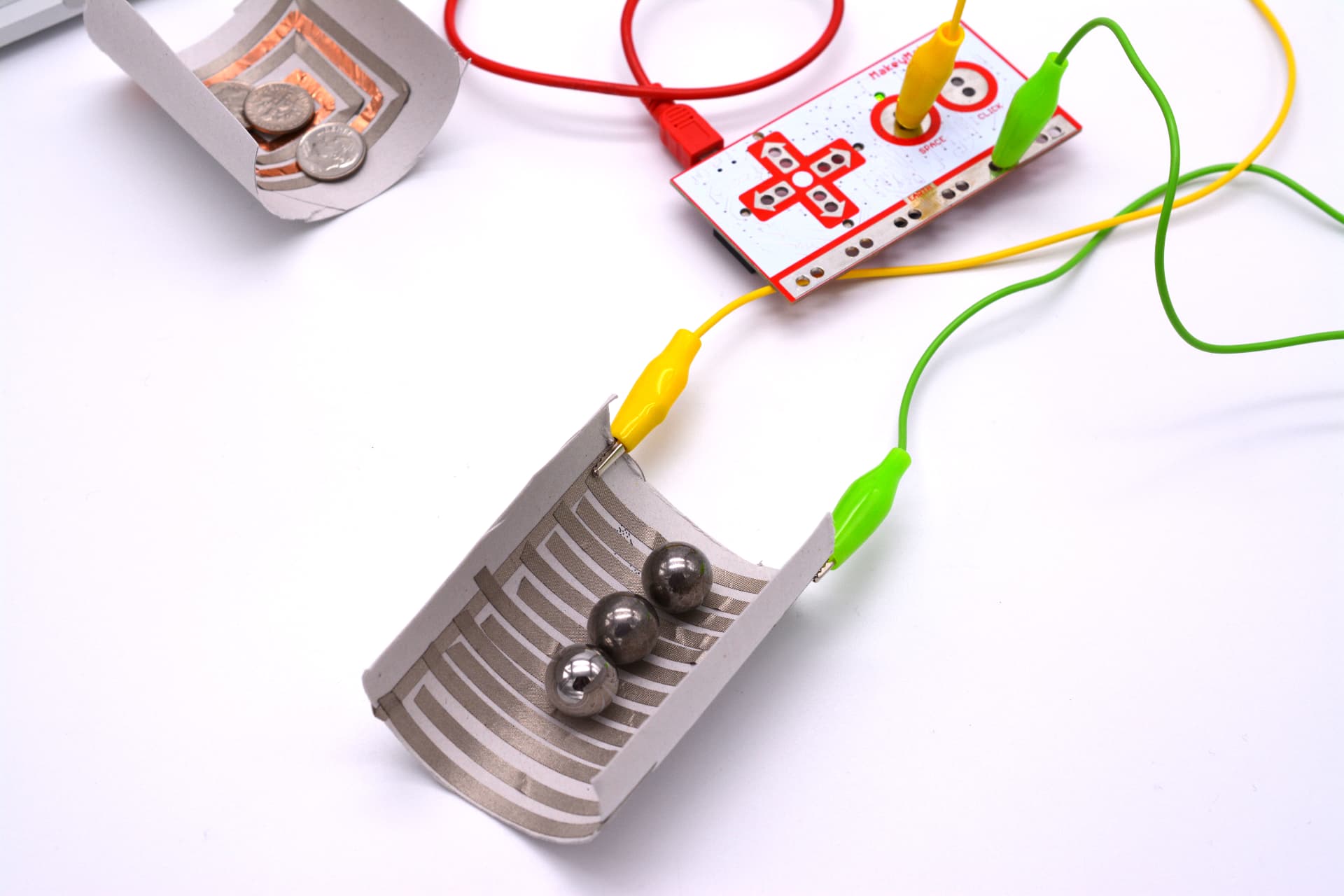
Science
Circuits, conductivity, and physics students can feel.
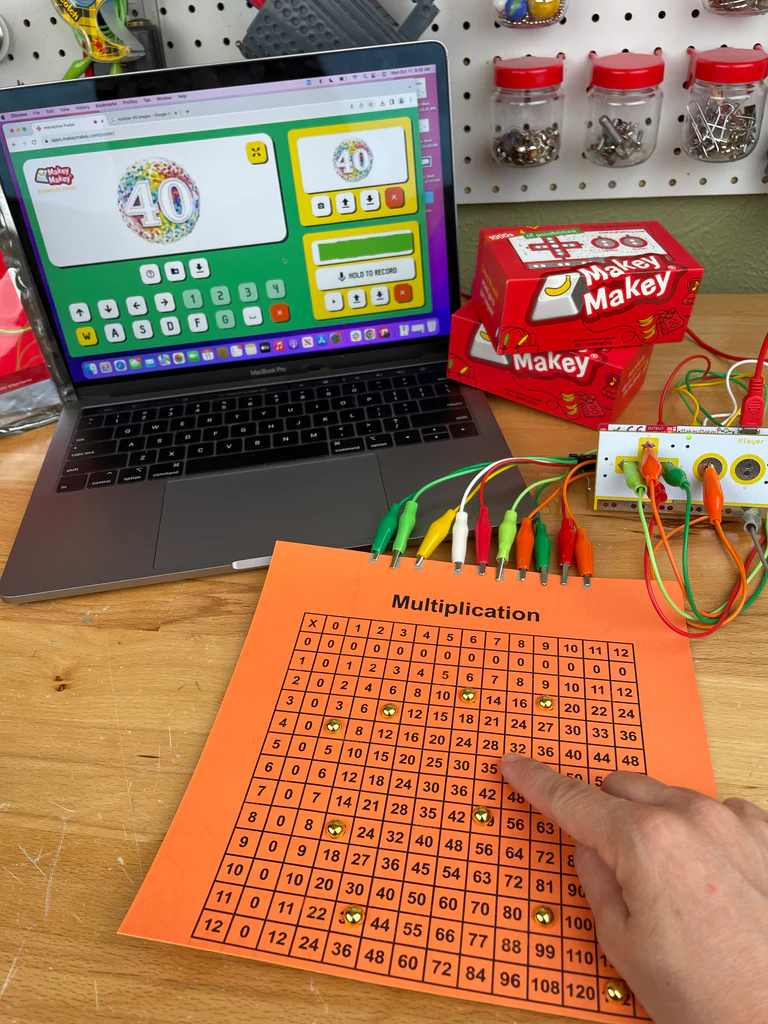
Math
Interactive number lines, graphs, and fraction games.
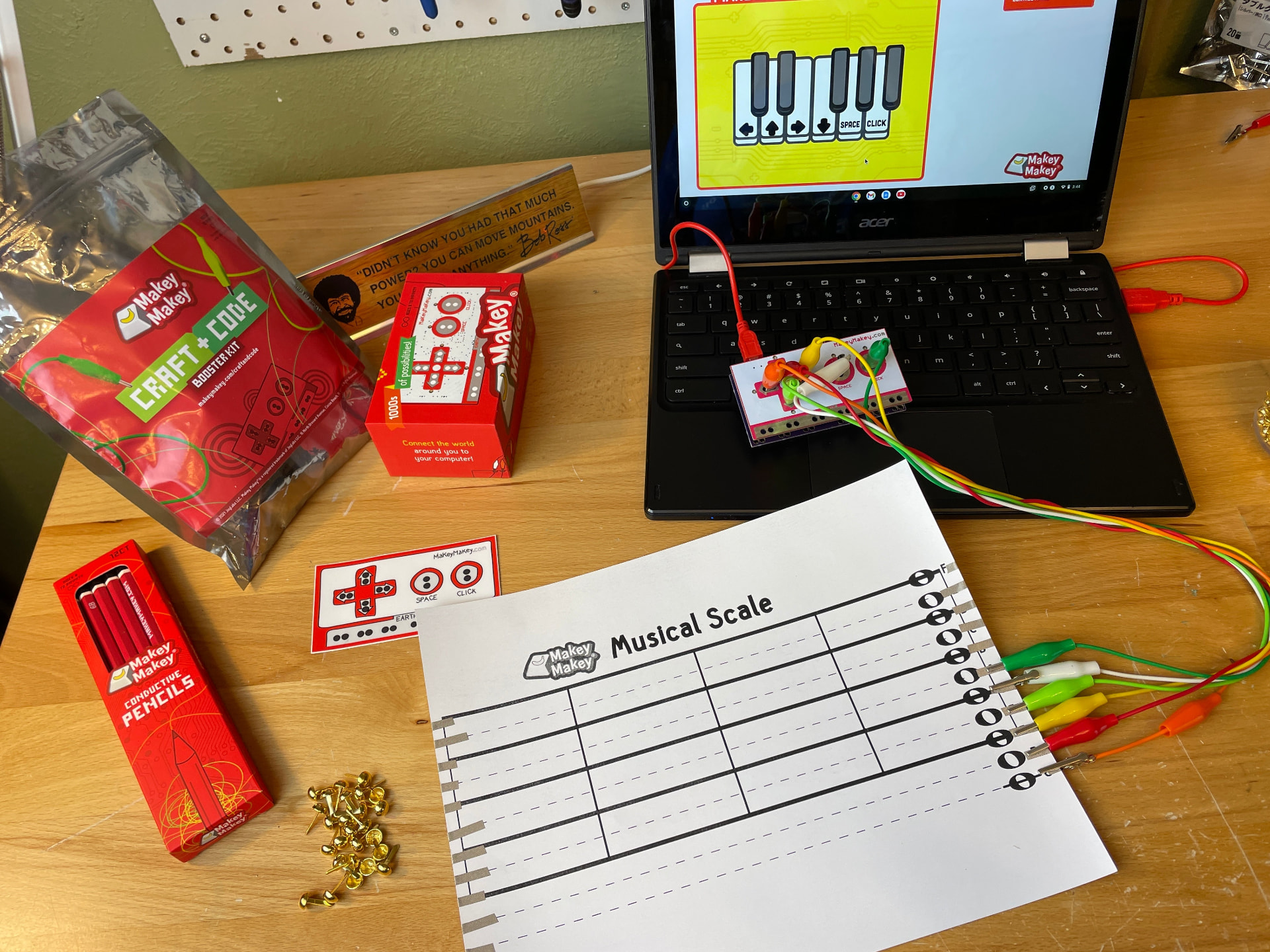
Music
Invent instruments from everyday objects.
CS & Engineering Technology
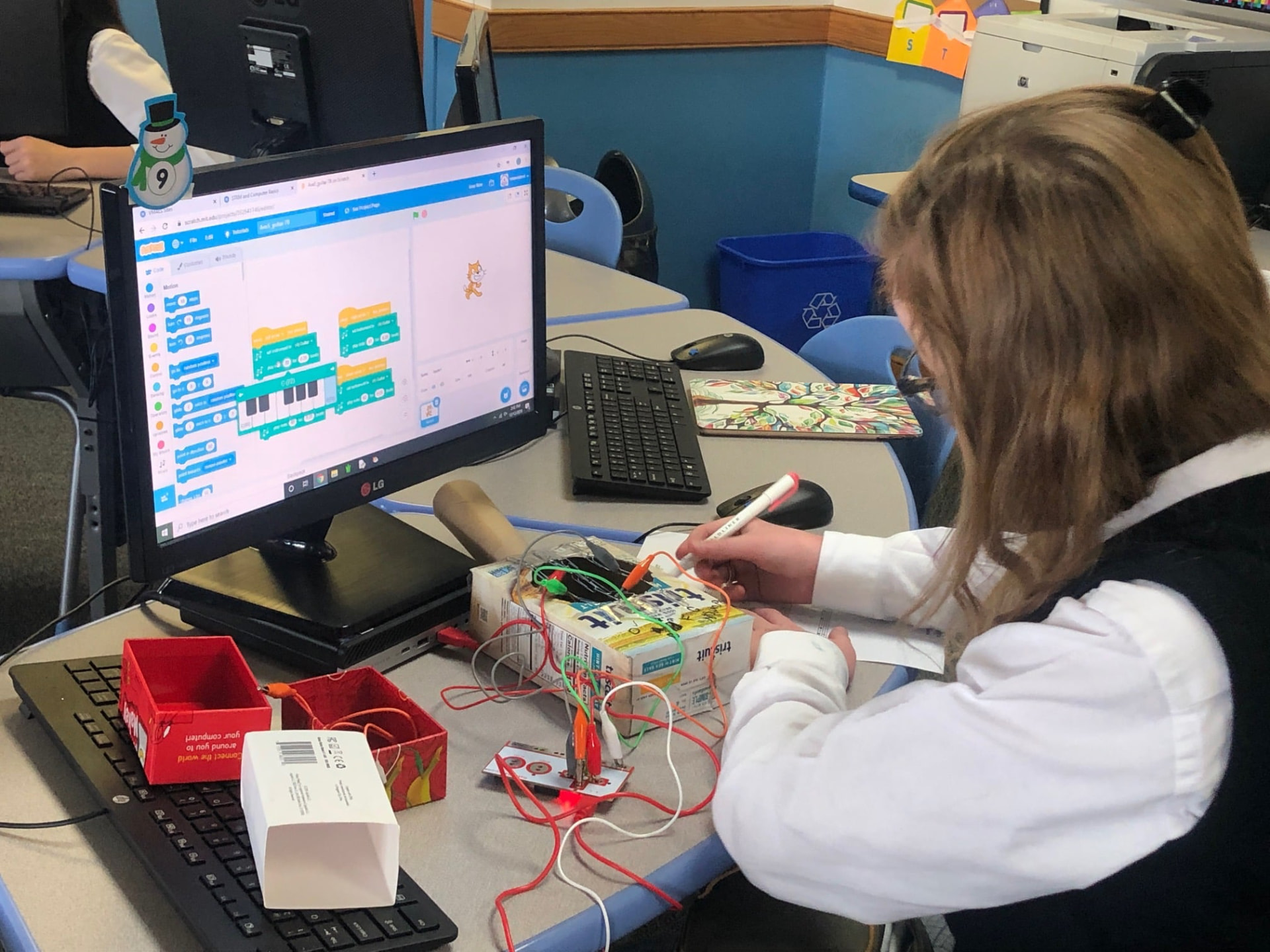
Prototyping and logic. Pair with Scratch and other CS tools.
Language Arts
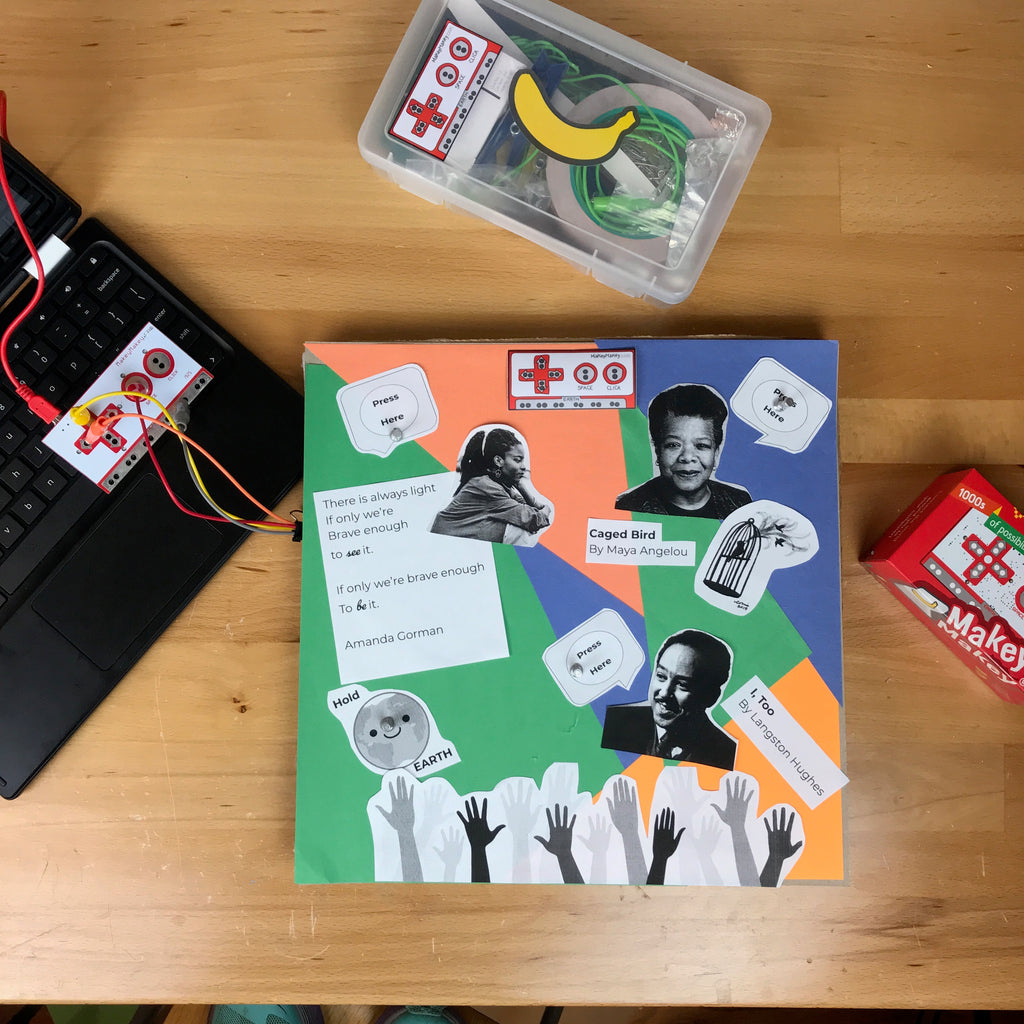
Talking posters, sound effects, and interactive stories.
Art & Design
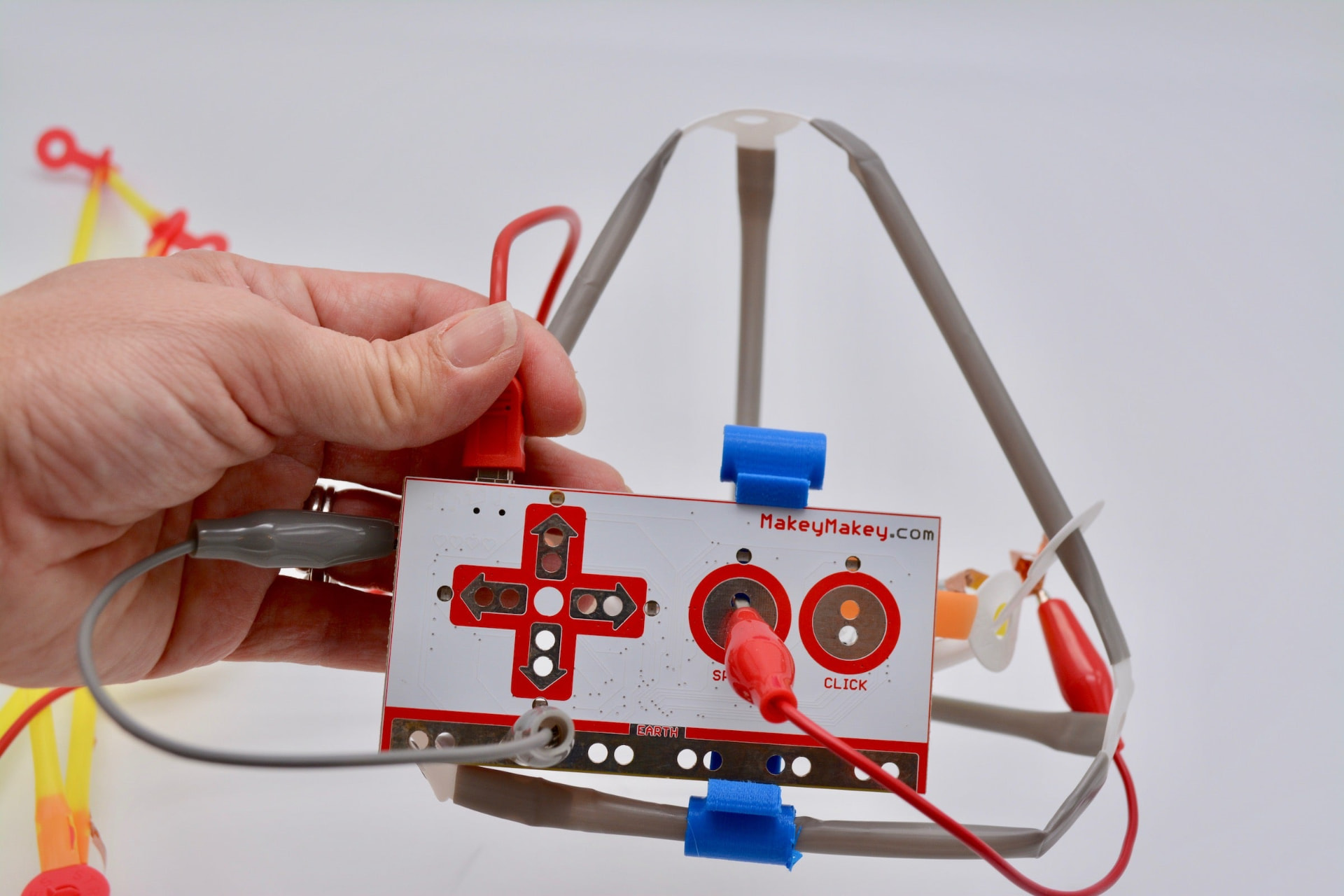
Controllers and sculptures that actually do something.
I have been using MaKey MaKey in my 7th grade classroom for almost 10 years and it is still one of my favorite tools to spark student creativity and joy. Students can easily turn everyday objects and boring cardboard into fun, interactive projects that showcase their personalities and interests.
Ready to raid the recycling bin? bring makey makey to your school today
School budgets are stretched thin, and educators need edtech that works harder, lasts longer, and serves more students. This back-to-school season, choose to invest in a creative platform built to be used and re-used – not a one-and-done assembly kit.