Makey Makey + micro:bit in one bundle — Save $5 when you buy them together

Makey Makey + BBC micro:bit · Ages 8+

Invent with Makey Makey. Level up with micro:bit.

The Makey Makey Coding Bundle pairs the Makey Makey Classic with the award-winning Code-a-Key Backpack, so your micro:bit can sense motion, light, temperature, and sound — and turn them into key presses for your inventions.

$74.90$79.90Save $5

BBC micro:bit sold separately.

Code-a-Key Backpack with a micro:bit being connected to a Makey Makey Classic, with the Code-a-Key box behind
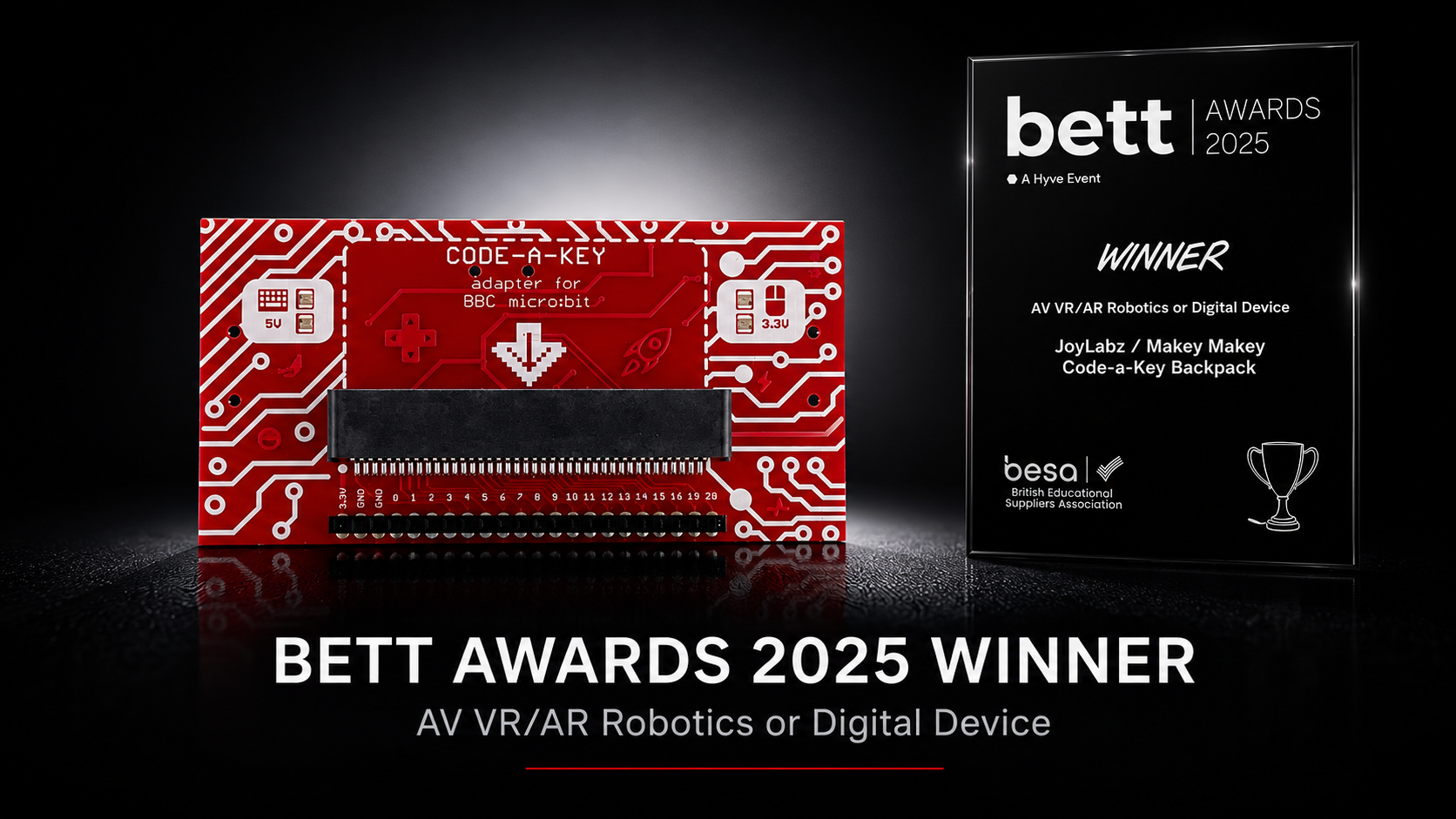
Bett Awards 2025 Winner — Code-a-Key adapter for BBC micro:bit

Why micro:bit + Makey Makey

The best of both boards.

Makey Makey makes inventing instant. micro:bit adds sensors and real code. The Code-a-Key Backpack connects them in a simple, elegant way.

Code with real sensors

Trigger key presses in your Makey Makey projects with motion, temperature, light, and sound.

Two-way programming

The micro:bit reads your Makey Makey presses and responds — show an image, play a sound, or drive a servo motor.

6 keys + full mouse control

The micro:bit can trigger up to six key presses and full mouse control on the back of your Makey Makey.

No wad of wires

No breadboarding or complicated circuits (unless you want them!). The backpack snaps everything together.

Hands sliding a BBC micro:bit into the Code-a-Key Backpack

How it works

Invent. Snap. Code.

  1. 1

    Invent

    Start with Makey Makey: build a banana piano or draw a game controller in minutes.

  2. 2

    Snap

    Slide your micro:bit into the Code-a-Key Backpack and plug it onto the back of your Makey Makey.

  3. 3

    Code

    Add the free Code-a-Key extension in MakeCode and program with blocks that grow into JavaScript and Python.

Read the Getting Started Guide →

What's in the bundle

Two kits. One price. Save $5.

Makey Makey Classic board with its box

Makey Makey Classic

$51.95 value

The original invention kit that turns everyday objects into touchpads. Plug, clip, and play — no software to install.

  • Makey Makey board (v1.6) and USB cable
  • 7 alligator clips and 6 connector wires
  • Visual project start guide
  • Works with Mac, Windows, Chromebook, and Linux
Code-a-Key Backpack with a BBC micro:bit plugged in, in front of its box

Code-a-Key Backpack

$27.95 value

Our Bett Award–winning adapter that connects a BBC micro:bit to the back of your Makey Makey.

  • Code-a-Key Backpack and instruction card
  • Free Code-a-Key extension for Microsoft MakeCode
  • Starter projects: Hello World, Tilt Controller, Stomp Counter, Flashlight Piano
  • Makey Makey sticker

Bought separately: $79.90. Together: $74.90.

Bring your own BBC micro:bit. The Code-a-Key Backpack works with Makey Makey version 1.5 or higher — the included Classic is ready to go.

Free starter projects

From banana piano to physical computing.

Program in Microsoft MakeCode with the free Code-a-Key extension — the same blocks students already know, growing into JavaScript and Python.

01

Bouncy Face Tilt Controller

Tilt the micro:bit to steer a game — motion becomes a key press.

02

Stomp Switch Counter

Build a foot switch and have the micro:bit count every stomp on its display.

03

Flashlight Piano

Play notes with light — shine a flashlight on the micro:bit to trigger keys.

Makey Makey Coding Bundle

Low floor. No ceiling. Now with micro:bit.

$74.90$79.90Save $5

Shop the Coding Bundle

Includes Makey Makey Classic + Code-a-Key Backpack. BBC micro:bit sold separately.