


Overview
Makey Makey Classic
Products
Grades 2–12
Grade Level
30 minutes
Time Required
Beginner Course
Category
Difficulty
CSTA Standards
CCSS Standards
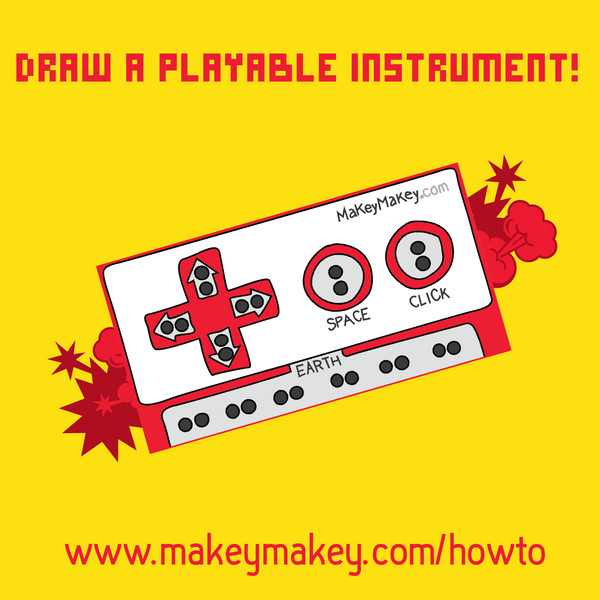
Since graphite is conductive, you can draw your own playable instrument! Use pencil drawings connected to Makey Makey to create music with our Piano or Sampler app.
Learning Goals
- Understand that graphite (pencil lead) is conductive
- Draw separate conductive paths for each musical note
- Connect drawn circuits to Makey Makey inputs
- Troubleshoot drawable circuits and connections
Materials & Preparation
Materials Needed
- Makey Makey kit
- Alligator clips
- Graphite pencil (6B artist pencil works best)
- Paper (8.5 x 11 inch)
- Computer with Makey Makey Piano or Sampler app
Preparation
Test that pencil drawings on paper can trigger Makey Makey. Open the Makey Makey Piano app at apps.makeymakey.com/play/#piano. Ensure each station has a soft graphite pencil.
Build Activity — Step by Step
Test Pencil Conductivity
Draw a thick dark line on paper with your graphite pencil. Clip an alligator clip to each end and test with Makey Makey — pencil lead (graphite) conducts electricity!
Design Your Instrument
Draw your own instrument on paper — a piano, guitar, robot, your name, or anything creative! Make at least 3 separate drawn sections for different notes.
Draw Dark and Thick
Make your lines dark and thick to maximize conductivity. Draw each section to the edge of the paper so alligator clips can attach. Keep sections separate — don't let lines cross!
Connect to Makey Makey
Clip alligator clips from Makey Makey inputs (arrows, space) to each drawn section. Connect EARTH to a drawn ground area or hold the EARTH wire.
Play Your Instrument
Open the Piano app or Sampler app. Touch EARTH with one hand and touch your drawings with the other to play notes. You've created a drawn musical instrument!
Troubleshoot
If it doesn't work: Are lines dark enough? Do lines accidentally cross? Is the alligator clip touching the drawing? Is your sound turned on? Try pressing arrow keys directly to test.
Assessment
Students perform a short melody on their drawn instrument and explain how graphite conductivity makes it work. Evaluate creativity of design, circuit understanding, and troubleshooting skills.