

Overview
Makey Makey Classic
Products
Grades 5–12
Grade Level
45 minutes
Time Required
Maker Mash Ups
Category
Difficulty
CSTA Standards
CCSS Standards
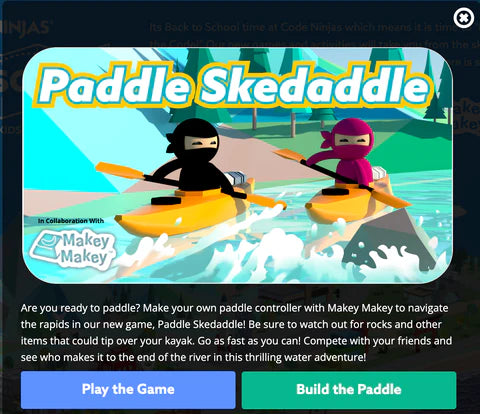
Build a kayak simulator! Code a paddling game in MakeCode Arcade and craft a physical paddle controller using Makey Makey for an immersive gaming experience.
Learning Goals
- Code a scrolling game in MakeCode Arcade with obstacles
- Design a physical paddle controller that maps to game inputs
- Integrate physical movement with digital gameplay
- Iterate on both code and controller design through playtesting
Materials & Preparation
Materials Needed
- Makey Makey kit
- Alligator clips
- Cardboard tube or wrapping paper tube (paddle)
- Aluminum foil
- Conductive tape
- Cardboard for paddle blades
- Computer with MakeCode Arcade
Preparation
Open MakeCode Arcade and create a scrolling river game template. Pre-cut cardboard paddle blade shapes. Have tubes available for paddle handles.
Build Activity — Step by Step
Code the River Game
In MakeCode Arcade, create a kayak sprite that moves left and right. Add a scrolling river background with obstacles to dodge.
Add Scoring and Lives
Code collision detection with obstacles (lose a life!) and collectible items (gain points!). Add a timer or distance counter.
Build the Paddle
Attach cardboard blades to a tube for the paddle handle. Wrap each blade with foil — left blade and right blade will be separate inputs.
Add Touch Contacts
Create two foil touch pads (left and right) on a base. When the left paddle blade touches the left pad, the kayak moves left — and vice versa.
Wire to Makey Makey
Connect the left pad to LEFT ARROW, right pad to RIGHT ARROW, and paddle foil to EARTH. Test the paddle motions with the game.
Playtest the Simulator
Paddle left and right to navigate the river! Iterate on game difficulty and controller ergonomics based on playtester feedback.
Assessment
Students demo their kayak simulator with the physical paddle controller. Evaluate game code complexity, controller innovation, and the overall immersive experience.